By integrating these tools into my workflow, I’m able to approach design challenges from multiple angles—combining visual creativity, technical execution, and interactive elements.
My Tech Skills
By integrating these tools into my workflow, I’m able to approach design challenges from multiple angles—combining visual creativity, technical execution, and interactive elements.
My Tech Skills
By integrating these tools into my workflow, I’m able to approach design challenges from multiple angles—combining visual creativity, technical execution, and interactive elements.
My Tech Skills
By integrating these tools into my workflow, I’m able to approach design challenges from multiple angles—combining visual creativity, technical execution, and interactive elements.
10:41
Jun 16, 2025
My Tech Skills
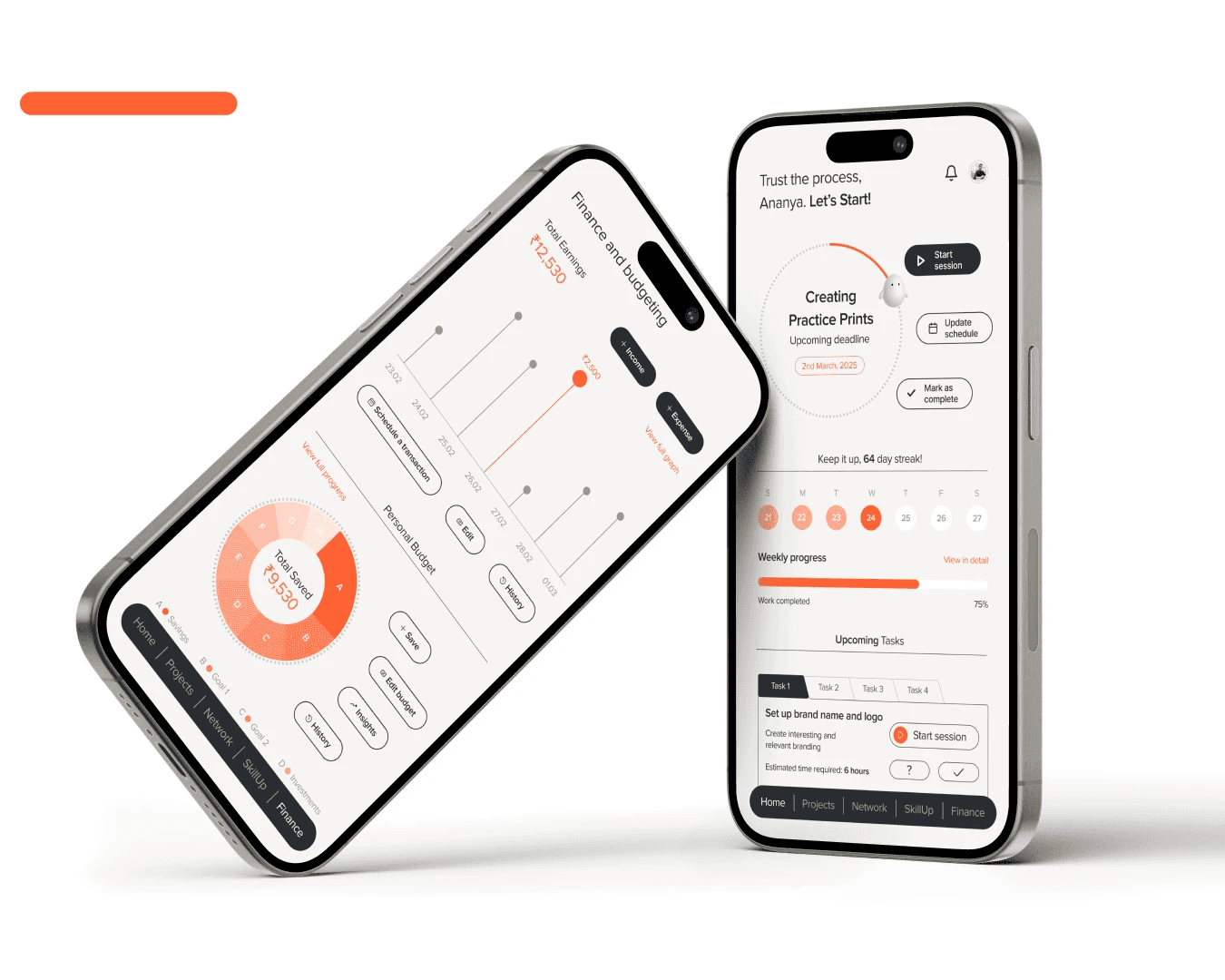
Figma
Figma is my collaborative design platform of choice. I utilize it to work seamlessly with team members and clients, facilitating real-time feedback and design iterations.
Figma
Figma is my collaborative design platform of choice. I utilize it to work seamlessly with team members and clients, facilitating real-time feedback and design iterations.
Figma
Figma is my collaborative design platform of choice. I utilize it to work seamlessly with team members and clients, facilitating real-time feedback and design iterations.
Figma
Figma is my collaborative design platform of choice. I utilize it to work seamlessly with team members and clients, facilitating real-time feedback and design iterations.
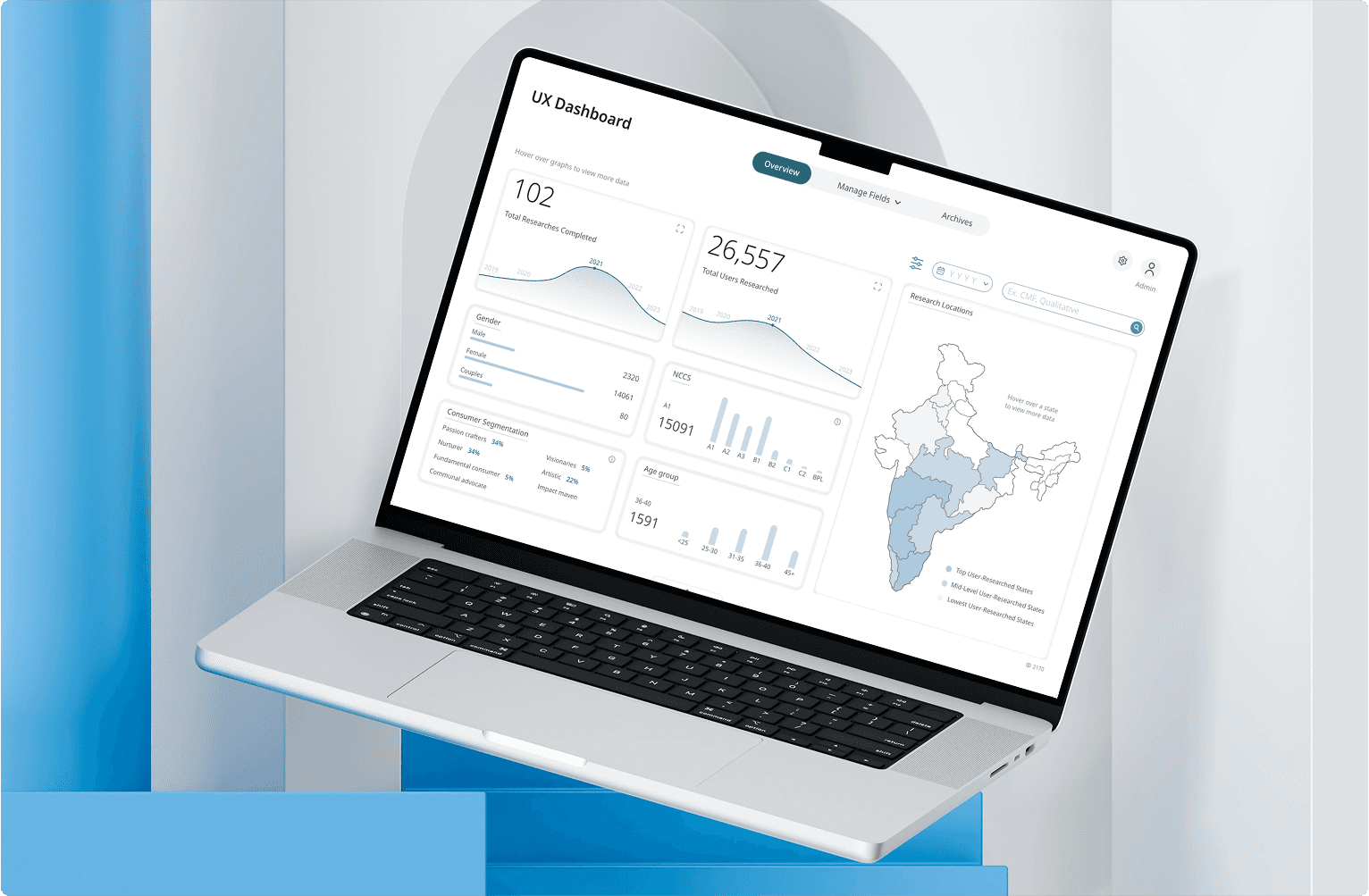
Framer
Framer serves as my go-to tool for creating interactive prototypes. I use it to bring designs to life, allowing stakeholders to experience the user flow and interactions before development begins.
Framer
Framer serves as my go-to tool for creating interactive prototypes. I use it to bring designs to life, allowing stakeholders to experience the user flow and interactions before development begins.
Framer
Framer serves as my go-to tool for creating interactive prototypes. I use it to bring designs to life, allowing stakeholders to experience the user flow and interactions before development begins.
Framer
Framer serves as my go-to tool for creating interactive prototypes. I use it to bring designs to life, allowing stakeholders to experience the user flow and interactions before development begins.

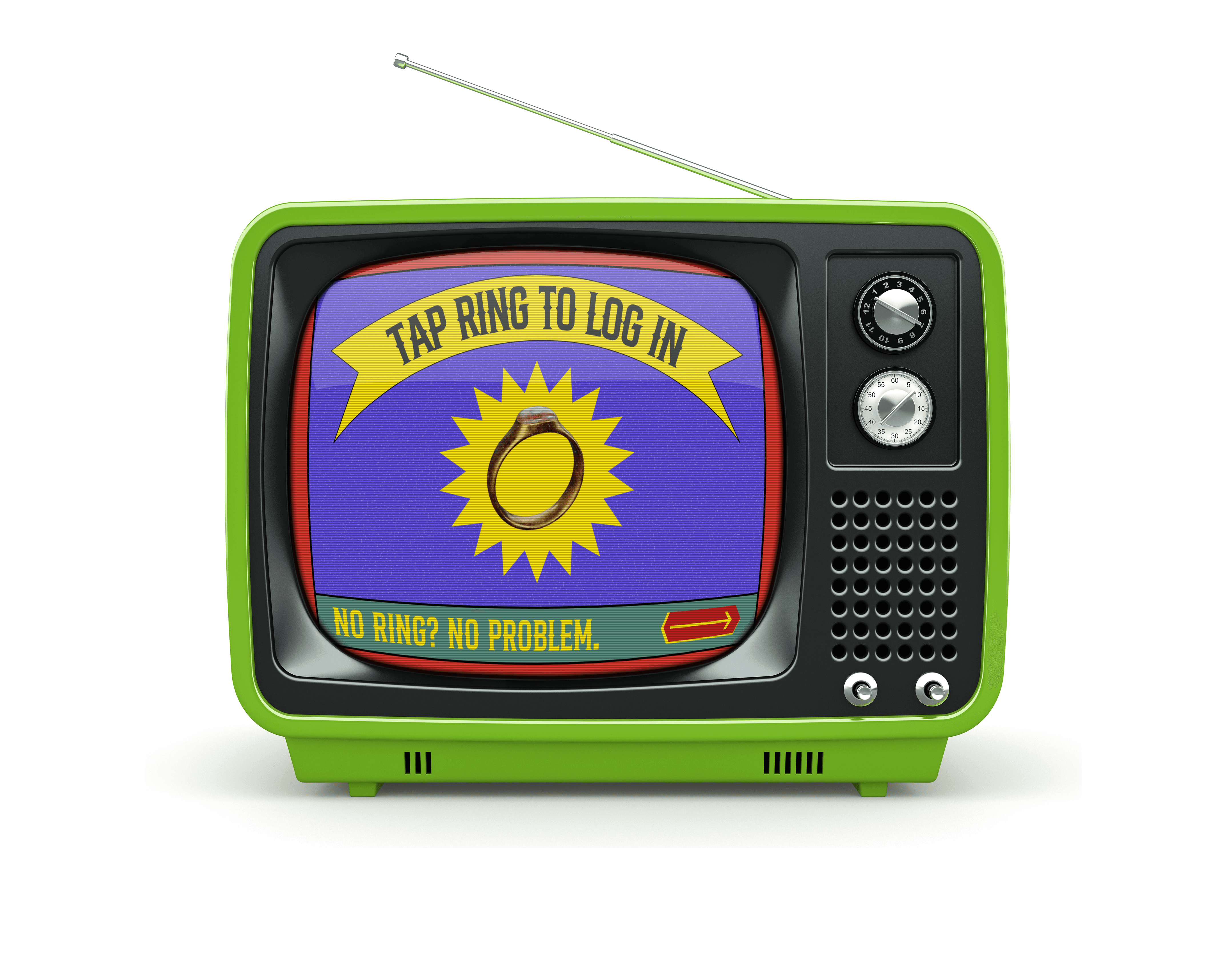
Adobe Creative Suite
Adobe Creative Suite is my comprehensive creative toolkit for illustration and multimedia projects. I rely on its applications to deliver polished visuals.
Adobe Creative Suite
Adobe Creative Suite is my comprehensive creative toolkit for illustration and multimedia projects. I rely on its applications to deliver polished visuals.
Adobe Creative Suite
Adobe Creative Suite is my comprehensive creative toolkit for illustration and multimedia projects. I rely on its applications to deliver polished visuals.
Adobe Creative Suite
Adobe Creative Suite is my comprehensive creative toolkit for illustration and multimedia projects. I rely on its applications to deliver polished visuals.

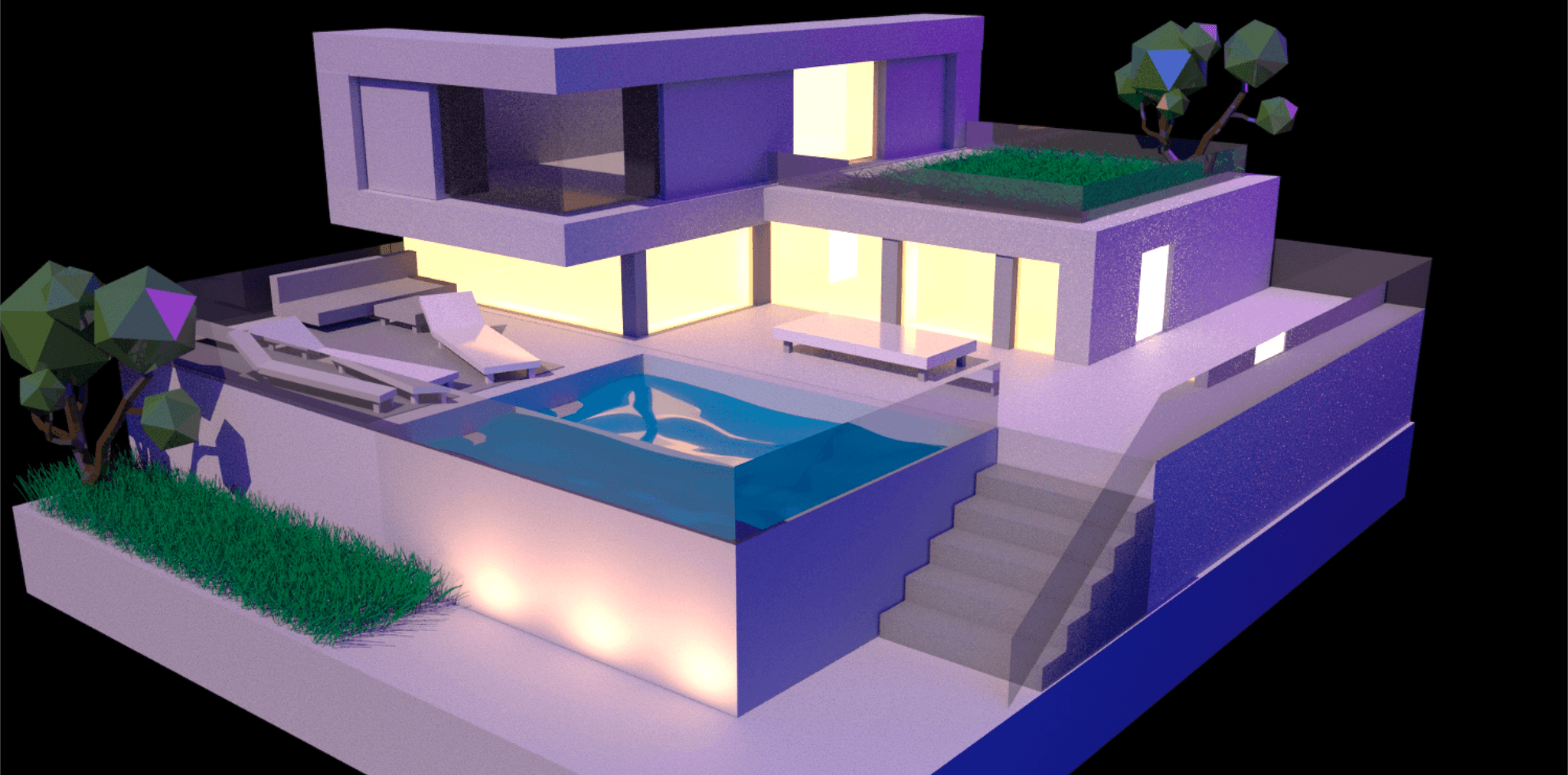
Blender
Blender is the tool I use for animations, building 3D models, and developing content for AR.
Blender
Blender is the tool I use for animations, building 3D models, and developing content for AR.
Blender
Blender is the tool I use for animations, building 3D models, and developing content for AR.
Blender
Blender is the tool I use for animations, building 3D models, and developing content for AR.

Spline
Spline is my preferred tool for designing and implementing micro-animations in modern UI projects.
Spline
Spline is my preferred tool for designing and implementing micro-animations in modern UI projects.
Spline
Spline is my preferred tool for designing and implementing micro-animations in modern UI projects.
Spline
Spline is my preferred tool for designing and implementing micro-animations in modern UI projects.